Today, in the order it can actually be done.
It reads the calendars, inboxes, notes and files you pick, protects the times that are already fixed, and puts the rest of the day in a realistic order.
Start free — 2 employees and starter capacity included.
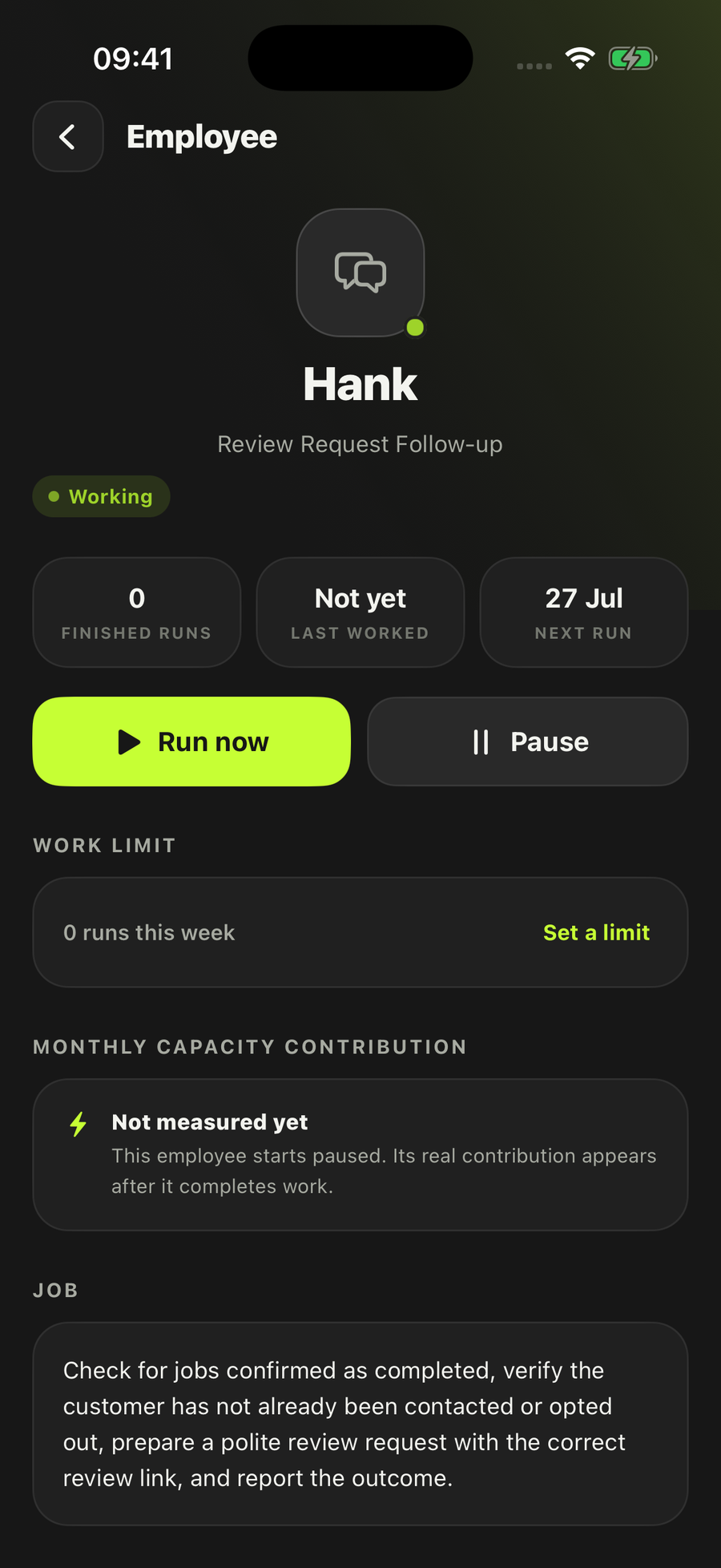
- It plans. It changes nothing
- Starts paused until you turn it on
- Tentative work stays labelled tentative
It works across the apps you already use
It reads only the sources you chose and writes one plan. Nothing outside LoopSuite moves.
How Daily Work Planner actually works
Most people who run a small business already know roughly what today holds. What they do not have, at seven in the morning, is a sorted version of it. The fixed appointments are in one place, the jobs that came in overnight are in another, and the two things that were supposed to happen yesterday are in neither. So the day gets worked in the order it arrives rather than the order that makes sense, and the thing that mattered most is the thing that gets pushed.
This employee owns one job: turn today’s real commitments and unfinished work into a single practical plan. It runs weekday mornings at half seven by default. You can set it to run every day instead, or only when you press the button.
- Claim the dayIt takes the current local business date and claims that day’s planning window. A business day gets one plan, so running it a second time refreshes the plan you already have rather than producing a rival version of the same morning.
- Collect commitments and tasksIt reads only the work inputs you selected when you hired it — up to six — looking for four things: fixed commitments, deadlines, messages that have created work, and priorities left unfinished. A Google Calendar, a Gmail mailbox, a Notion page, a Google Drive file, or a Source you have saved in LoopSuite. Nothing outside that list is in scope.
- Check certainty and conflictsIt separates confirmed commitments from tentative or incomplete ones, and flags the conflicts and the missing details instead of smoothing them over. Tentative work stays visibly labelled as tentative, so a “probably Thursday” never quietly becomes a fixture in your day.
- Build a realistic orderFixed times are protected first. The flexible work is then blocked around them, each priority gets the smallest useful next action written against it, and the plan is built for an amount of work that fits. Realistic is the operative word: a plan that assumes eleven hours in an eight-hour day is not a plan, it is a list.
- Save the planOne Result, titled Today’s work plan, holding the ordered day, the evidence behind it, the blockers, and what changed since the last version. Outside apps are left exactly as they were found.
If none of your selected sources can prove what today holds, it stops and says which source it could not read. It does not report a quiet day it was never able to see.
What lands in the plan
- The date, and which calendars, inboxes, pages, files or Sources were read
- Fixed commitments — the things that are genuinely pinned to a time
- Priorities — the ordered work, with the smallest useful next action on each
- Capacity — what realistically fits into the day, and therefore what does not
- Conflicts — the commitments that cannot both happen
- Preparation — what has to be ready before you get there
- First next action — the single thing to start with
The plan finishes in one of five states: plan ready, revised, blocked, no action, or duplicate. Revised is a real outcome, not an error. If a material commitment moves during the day, or you ask for a fresh plan, it rewrites today’s plan and shows what changed — it does not start a second plan for the same day and leave you holding two.
How it differs from the Daily Inbox & Calendar Brief
These two get confused, so here is the difference in plain terms. Daily Inbox & Calendar Brief answers what has arrived and what is on today. Daily Work Planner answers a different question: in what order should today be done, and what is not going to fit.
- The Brief needs one mailbox and one calendar, and reads exactly one of each. The Planner takes up to six work inputs and needs only one of them — a calendar, an inbox, a Notion page, a Drive file or a saved Source
- The Brief drafts your routine replies. The Planner writes no messages at all; its output is a plan, not correspondence
- The Brief sorts what needs attention from what does not. The Planner goes further and commits to a sequence, with fixed times protected and a next action against every priority
- The Brief has no version that works without a live inbox and calendar. The Planner does: an uploaded task list or a saved Source is a route on its own
- Both are read-only, and both save one Result per business day
They are separate hires, and plenty of people want both — the Brief to see what landed overnight, the Planner to decide what to do about it. If what you actually need is the week rather than the day, that is Weekly Business Brief; if you need to tell other people what is happening, that is Team Update Brief.
What it will not do
- Change your calendar — creating, moving and cancelling bookings are all outside it
- Send a message of any kind — no email, no post, no reply, no direct message
- Update a Notion page, a Drive file, a CRM record or any other workspace it reads
- Invent a deadline, a duration or a time it cannot evidence — missing details are shown, not filled in
- Run your projects. It plans one business day, not a quarter
- Take over a customer conversation — a reply owed to a customer is handed to the employee whose job that is
- Take a payment, build a quote, or put anything in the diary
You choose, per employee, how much it does on its own. On this one there is very little for that setting to reach: sending, booking and record-writing all sit outside its contract, so no setting switches them on. It arrives set to do the work and tell you afterwards, which for a read-and-plan job means the plan appears and you get told it is there. Every employee lands paused, and you choose which sources it can use — the boundaries are on Safety.
When it stops and asks you
Three things come back to you rather than getting decided on your behalf, and they are written into the employee’s contract rather than left to judgement on the day.
- Two fixed commitments that cannot both happenA genuine clash is yours to settle. It shows you both, with the evidence for each, and waits. It will not silently drop one, and it will not silently move one — changing an external schedule is not something it can do at all.
- A required time or deadline it cannot findIt asks for that one specific item rather than assuming a duration or picking a plausible-looking deadline. One missing fact, one question.
- A source it could not readIf a selected work input is blocked or ambiguous, it names it and asks you to choose the exact source. “I could not read your calendar” and “your calendar was empty” are very different mornings, and it keeps them apart.
Anything in that list lands in Needs You, alongside the rest of the decisions that are actually yours. Everything it could settle from the evidence, it has already settled.
Who it’s for
The owner whose day is decided by a diary and a list rather than a single job sheet — and who has more than one place the work lives. In our own prospect list of 799 UK companies across 21 trades, the clearest fits are the two trades that already keep their working context in software: advertising agencies, forty companies, and IT consultancies, thirty-six. Both run their day out of a calendar and an inbox, both hold the project detail somewhere else — commonly Notion or a shared Drive — and both are comfortable enough with software to notice when a plan is built on evidence and when it is not.
Then the trades where the day is the diary. Driving schools, forty of them on our list, bill by the hour and lose the hour outright when a slot moves; the order of the day is the business. Motor vehicle repair, thirty-nine companies, runs bookings and MOT dates through a calendar while the job detail sits in the garage system, and nothing joins the two. Removals firms, thirty-nine, routinely have a survey visit, a quote to write and a move all landing on the same Tuesday. Domestic cleaning and landscaping have the same shape through their seasons: several jobs, several locations, and a fixed number of hours to fit them into.
The honest counter-case is roofing and plastering. In the firms we looked at, the work lives on a spreadsheet and arrives on WhatsApp, and WhatsApp is not one of the inputs this employee accepts. Unlike the morning brief, though, this employee does have a route for you: point it at a saved Source or upload the day’s task list, and it will plan from that and label plainly which day the file covers and where its limits are. It is the weakest of the routes, because a file is only as current as the last time you touched it — but it is a real one, and it beats a whiteboard.
It is not for someone with one job in the diary and nothing else moving. If that is your week, Quote Follow-up and Overdue Invoice Follow-up are where most one-person firms get their evening back, and the full roster has the rest. How it works covers hiring, connecting a source, running a safe test and turning an employee on.
Questions people ask
What does Daily Work Planner actually produce?
One saved plan for the working day, called Today’s work plan. It carries the date, the sources it checked, the fixed commitments, the priorities in order with the smallest useful next action on each, what realistically fits in the day, the conflicts, the preparation you need done first, and the one thing to start with. It runs weekday mornings at half seven by default; daily and run-it-yourself are the other settings.
Will it change my calendar or send anything on my behalf?
No. Creating, changing and cancelling calendar bookings are outside what this employee can do, and so is sending an email, posting, replying or messaging anyone. Its job is to prepare and save a plan. It writes the plan into LoopSuite and leaves every outside app exactly as it found it.
What can it read?
Only the work inputs you select when you hire it, up to six of them: calendars, inboxes, Notion pages, Google Drive files, or a Source you have saved in LoopSuite. Google Calendar, Outlook, Gmail, Notion and Google Drive are the apps named in this employee’s own contract as places those inputs can come from, and each has a page saying where it stands. This job has not had a signed-in run proven through any of them, so the route we stand behind today is the one that needs nothing connected: an uploaded task list or a Source you have saved.
Can I use it without connecting an app?
Yes. One uploaded plan or task list, or one Source you have saved, is a route on its own, and the plan says plainly which day that file covers and where its limits are. It is the weakest route, because a file is only as current as the last time you updated it, and the plan will only ever be as good as what is in it.
What happens when two commitments genuinely clash?
It stops and puts the clash to you rather than choosing for you. Two fixed commitments that cannot both happen is one of the conditions written into its contract as yours to settle. The same applies to a required time or deadline it cannot find: it asks for that one item instead of inventing it. If no selected source can prove today’s work at all, it says the source could not be read rather than reporting a quiet day it never saw.
How is this different from the Daily Inbox & Calendar Brief?
The Brief needs one mailbox and one calendar and tells you what has arrived and what is on. The Planner takes up to six work inputs of any kind, needs only one of them, and answers a different question: in what order should today be done, and what will not fit. The Brief also drafts routine replies; the Planner writes no messages at all. They are separate hires and plenty of people want both — see the full roster.
Start the day with a plan, not a pile.
Hire Daily Work PlannerStart free — 2 employees and starter capacity included.
Also on iOS and Android.
Every employee starts switched off, and you choose which accounts it can use.