Stop telling three people the same thing.
One short update for the team, built from the sources you pick — progress, deadlines, meetings, blockers, decisions.
Start free — 2 employees and starter capacity included.
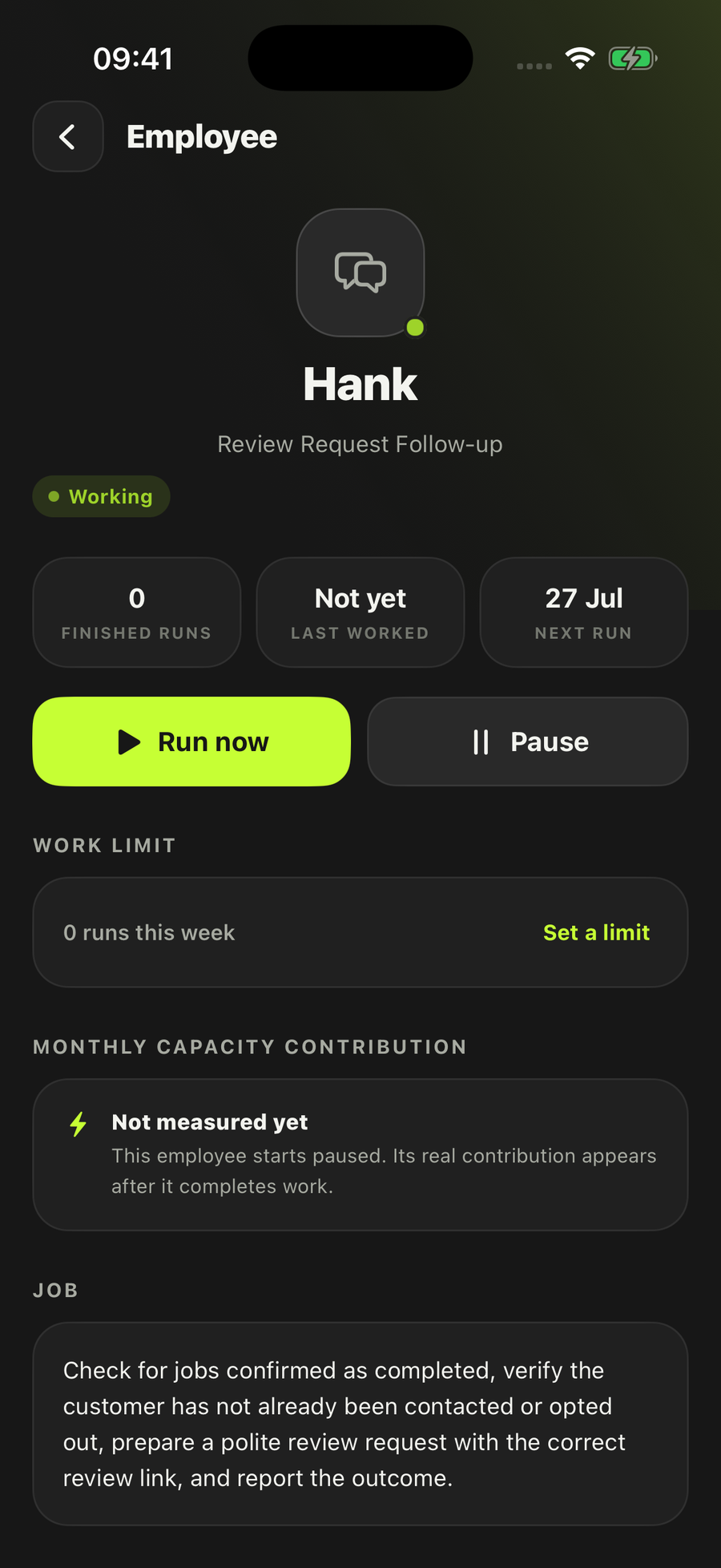
- It reports. It never assigns work
- Starts paused until you turn it on
- Says what it doesn’t know
It works across the apps you already use
It reads only the sources you selected, and the brief is always saved.
How Team Update Brief actually works
- Set the briefing periodIt takes the team you told it about and the date, and claims that window. Two runs never produce two versions of the same morning’s update.
- Collect the updatesIt reads only the sources you selected while hiring it — up to six, from a Gmail mailbox, a Google Calendar, and files, sheets or exports you point it at. Nothing else is in scope.
- Check the factsDuplicates and noise come out. Names and dates that appear in the evidence stay exactly as they are. Anything it could not establish is labelled as missing rather than filled in.
- Write the briefOne short update, ordered by what the team needs to know or do next: progress, deadlines, meetings, blockers, decisions, next actions.
- Save itEvery brief is saved, carrying the period it covers, the sources it checked, and whether it was saved or sent. That happens whether or not any chat app is connected.
What it will not do
- Assign work, or tell your apprentice what to do next
- Change a calendar, a job, a lead or a customer record — on your records it only reads
- Message a customer. It has no route to anyone outside the team, and no route to email or social at all
- Post into a channel you have not picked. One channel, selected by you, or nowhere
- Invent a name, a date, a decision or a status to make the brief read better
- Push on through a sensitive personnel or legal item — that one comes back to you
Control is set per employee when you hire it, and it decides how much this one does on its own. Team Update Brief arrives set to ask you first. Every employee lands paused, and you choose which sources it can use — the boundaries are on Safety.
Who it’s for
Firms that have stopped being one person in one van. The moment there is an apprentice, a subcontractor or a second van out, the owner becomes the only person who knows what happened everywhere — and the update gets retold three times by phone at half seven at night.
Domestic building, groundworks and other specialised construction are the sharpest cases, because those are the trades most likely to be running subbies in the first place. That is also why they are the ones filing a CIS return every month, which is a different employee’s job. Landscaping has the same shape through the March-to-October season. A two-van plumbing or electrical firm hits it the day the owner stops being on every job, and a removals or cleaning firm hits it the first week two crews are out at once.
It is not for a sole trader with nobody to brief. If that is you, the rest of the roster is the better place to start — Quote Follow-up and Overdue Invoice Follow-up are where most one-person firms get their evening back.
Questions people ask
What does Team Update Brief actually produce?
One brief for each period, saved in LoopSuite. It carries the briefing period, the sources it checked, progress, deadlines, meetings, blockers, decisions and next actions, and whether it was saved or sent. Nothing is required beyond that for the brief to exist — saving is the job, and posting it somewhere is optional.
What can it read?
Only the sources you select when you hire it — up to six, from a Gmail mailbox, a Google Calendar, and files, sheets or exports you point it at. It cannot reach anything you have not picked, and if the only thing it has is stale it says so instead of briefing from it.
Does it tell my apprentice what to do?
No. Assigning work sits outside its job on purpose. It reports what has happened, what is due and what is blocked. Deciding who does what stays with you.
Can it post the brief into Slack or a team channel?
Not today. The employee is built to post a saved brief to one exact Slack channel you select, and to nowhere else — but the Slack connection is not live, and we don’t list a connection until it’s built and tested. For now the brief is saved in LoopSuite and you share it.
What happens when it doesn’t know something?
It says so. Missing information stays visible in the brief, and it keeps “we don’t know” separate from “it didn’t happen”. It will not invent a name, a date, a decision or a status to fill a gap.
How often does it run, and what if there’s nothing to report?
Weekday mornings by default. Daily, weekly or only when you ask are the other settings. If a period genuinely has nothing material in it, the brief says that rather than padding — “no action” is a real outcome, not a failure.
One update, written once.
Hire Team Update BriefStart free — 2 employees and starter capacity included.
Also on iOS and Android.
Every employee starts switched off, and you choose which accounts it can use.