Which of this week’s enquiries is worth ringing back?
New Lead Checker reads every new lead, gives it a priority with the reasons attached, and tells you the one question worth asking.
Start free — 2 employees and starter capacity included.
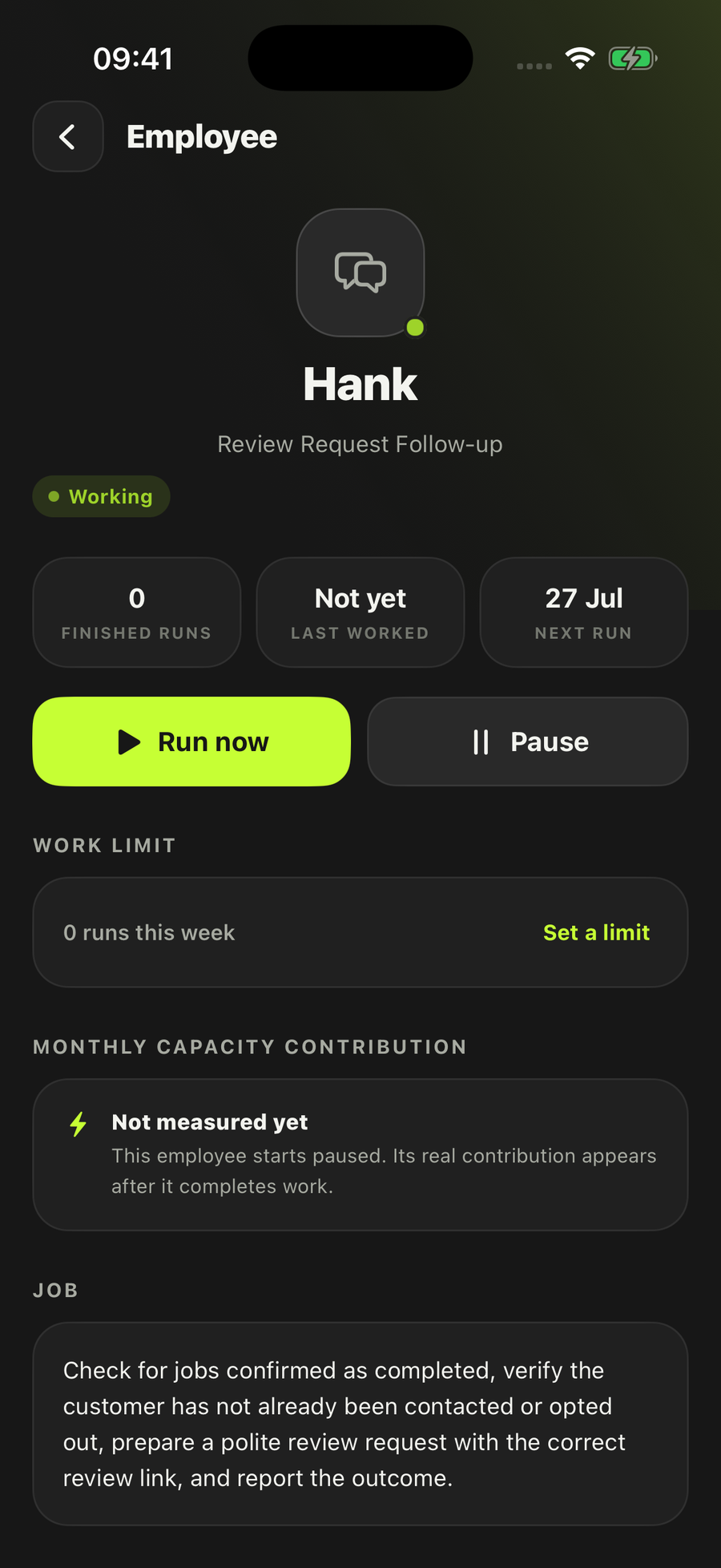
- Every priority shows its evidence
- Starts paused until you turn it on
- Never edits your source record
It works across the apps you already use
Every row shows the reasons. Nothing in your CRM moves.
How New Lead Checker actually works
The enquiries aren’t the problem. Most weeks there are more of them than there is time to work through properly, and the ones that get rung back first are the ones that came in most recently rather than the ones most likely to become a job.
- Find the genuinely new onesReads only new leads from the records, files or saved information you point it at, and claims each one by its own lead id so the same enquiry is never checked twice. It runs on the schedule you give it — every couple of hours, daily, or only when you press the button.
- Check identity and prior workConfirms who the lead is, what state the record is actually in, whether anyone has already been in touch, and whether it has been through this check before.
- Assess fit against your own offerJudges fit from your confirmed services, your service area, what the customer says they need, and the evidence in the lead itself. Anything it can’t prove is written down as an unknown rather than filled in.
- Save the priority and the next stepWrites a table called New lead check: one row per lead, with priority, the evidence behind it, the missing facts, and the smallest useful next action.
- Prepare one useful questionWhen a single question would settle a lead and you’ve given it an inbox, it prepares that one email — recipient, subject and body, all editable before anything happens.
What it will not do
- Change anything in your CRM or lead record — it reads, and writes its result alongside
- Invent a score, a priority or a fact the lead never gave it — unknowns stay unknown
- Do cold outreach, or contact anyone who isn’t already an incoming enquiry
- Send more than one clarification per lead — repeated chasing is a different employee
- Build a quote, or put anything in the diary
- Take a payment, publish a post, or reply to a social message
How much it does on its own is yours to set when you hire it, per employee: keep everything as drafts, be asked every time, let it act within what you’ve already allowed, or let it act and tell you afterwards. This one arrives set to ask you every time, and it can only ever send through an inbox you connected to it. Every employee lands paused.
Who it’s for
Removals firms are the clearest case. In our own list of 799 UK companies across 21 trades, removals is the trade we mapped to this employee: forty companies, most quoting off a spreadsheet, and enough enquiries that never become a job for the sorting itself to be a real cost. Every dead enquiry still takes a phone call, a survey visit, or an evening writing a price.
It suits any seasonal trade where the enquiries arrive in a bunch rather than a trickle — portrait photographers through wedding season, landscapers from March to October, roofers in the fortnight after a storm. The weeks you most need to work the list in the right order are the weeks you have least time to.
And it fits the end of the market where the word really is “lead” rather than “enquiry”: IT consultancies and advertising agencies, both of which run a CRM and a sales cycle long enough that the order matters. If quoting is the job you actually want handed over, start with Quote Builder instead; if it’s answering the enquiry properly, that’s Enquiry Reply Assistant. The full roster has the rest.
Questions people ask
Does it change anything in my CRM?
No. It reads your lead records and writes its own result alongside them. Updating a source record isn’t an action it’s allowed to take, so nothing in your pipeline moves because it ran. If you disagree with a priority, the record is exactly as you left it.
Does it connect to HubSpot, Pipedrive or Salesforce?
Not yet. Those lead sources are named in the employee, but the connectors aren’t built, and we’d rather say so than let you find out after you’ve hired it. The routes that work today are a Google Sheet, a lead export, a file you assign it, or the lead records already in LoopSuite. HubSpot, Pipedrive and Salesforce each have a page saying plainly where they stand.
Will it email my leads?
At most one question per lead, only when a single missing fact would settle it, and only if you’ve given it an inbox. Gmail is the connected route. How much it does on its own is your Control setting, chosen when you hire it: keep the question as a draft, ask you before sending, send within what you’ve already allowed, or send and tell you afterwards. It arrives set to ask you every time.
What if it can’t tell whether a lead is a fit?
It says so. Anything it can’t prove is listed as an unknown rather than guessed at. If the missing fact is material it stops and hands you that one specific question, instead of producing a confident-looking priority built on nothing.
How does it know what a good lead looks like for my business?
From your confirmed services, your customers and the area you work, plus any offer and fit context you point it at. There’s one optional question when you hire it: is there anything that makes a lead especially valuable to you. Leave it blank and it uses what your business settings already say.
How is this different from Lead Follow-up or Quote Builder?
This one does the first pass only: is the lead real, is it a fit, what’s the priority and what’s the smallest useful next step. Ongoing chasing is handed to Lead Follow-up rather than done here, and a lead that wants a price is handed to Quote Builder. Separate hires, separate permissions — see the full roster.
Work the list in the right order.
Hire New Lead CheckerStart free — 2 employees and starter capacity included.
Also on iOS and Android.
Every employee starts switched off, and you choose which accounts it can use.