The leads you meant to chase back.
Lead Follow-up works your open leads on a schedule, and stops the moment one replies, opts out or reaches the limit you set.
Start free — 2 employees and starter capacity included.
- Stops on a reply or an opt-out
- Starts paused until you turn it on
- Never edits your CRM records
It works across the apps you already use
It rechecks the lead in the moment before it writes, and stops on a reply.
How Lead Follow-up actually works
- Find the leads that are dueReads the open leads in the sources you picked at hire, and claims the lead and the follow-up number before it acts, so one person is never contacted twice for the same attempt.
- Check the lead is still openRechecks who the person is, the current lead status, the whole conversation, when you last spoke, and whether a reply or an opt-out is already sitting there.
- Write one useful messageThe smallest follow-up that does the job, built from offer facts you have confirmed. No invented urgency, no invented price, no promise you did not make.
- Send it, or hold it for youIt follows the Control setting you chose for this employee, replies inside the Gmail conversation you selected, and records the attempt in LoopSuite.
- Stop when it shouldA reply, an opt-out, a disqualification or your saved attempt limit each end it. It does not go round again afterwards.
Not the same job as Quote Follow-up
They sound alike and they are not. The difference is what each one reads and when it gives up.
Lead Follow-up
- Works the stage before a price exists
- Reads open leads from a Sheet, an export, a file you assign it, or LoopSuite’s own lead records
- Stops on a reply, an opt-out, a disqualification, or your attempt limit
- Hands a request for a price to Quote Builder rather than quoting
Quote Follow-up
- Works a quote you have already sent
- Reads the quote record itself and the conversation attached to it
- Stops on replied, accepted, declined, expired, disputed or opted out
- Covered in full on the Quote Follow-up page
Hire whichever matches where the conversation has actually stalled. If a lead asks to book rather than to be priced, that is a third job again — the whole roster is on the employees page.
What it will not do
- Cold outreach, or anything off a bought list — it works only leads you already have
- Contact anyone again after a reply or an opt-out
- Go past the attempt limit you saved
- Invent urgency, a price or a promise to get an answer
- Change a record in your Google Sheet or your lead export — it reads them and writes its note in LoopSuite
- Send a quote, book a slot, take a payment or post on social
You choose how much this one does on its own when you hire it. It arrives set to ask you before each follow-up. The other settings are drafts only, check and report only, and work on its own within this job — where it can send a routine follow-up it has already proved without asking each time, while anything new, risky, destructive or involving spend still comes to you first. Every employee lands paused, and you choose which accounts it can use. More on that on the safety page.
What it needs from you
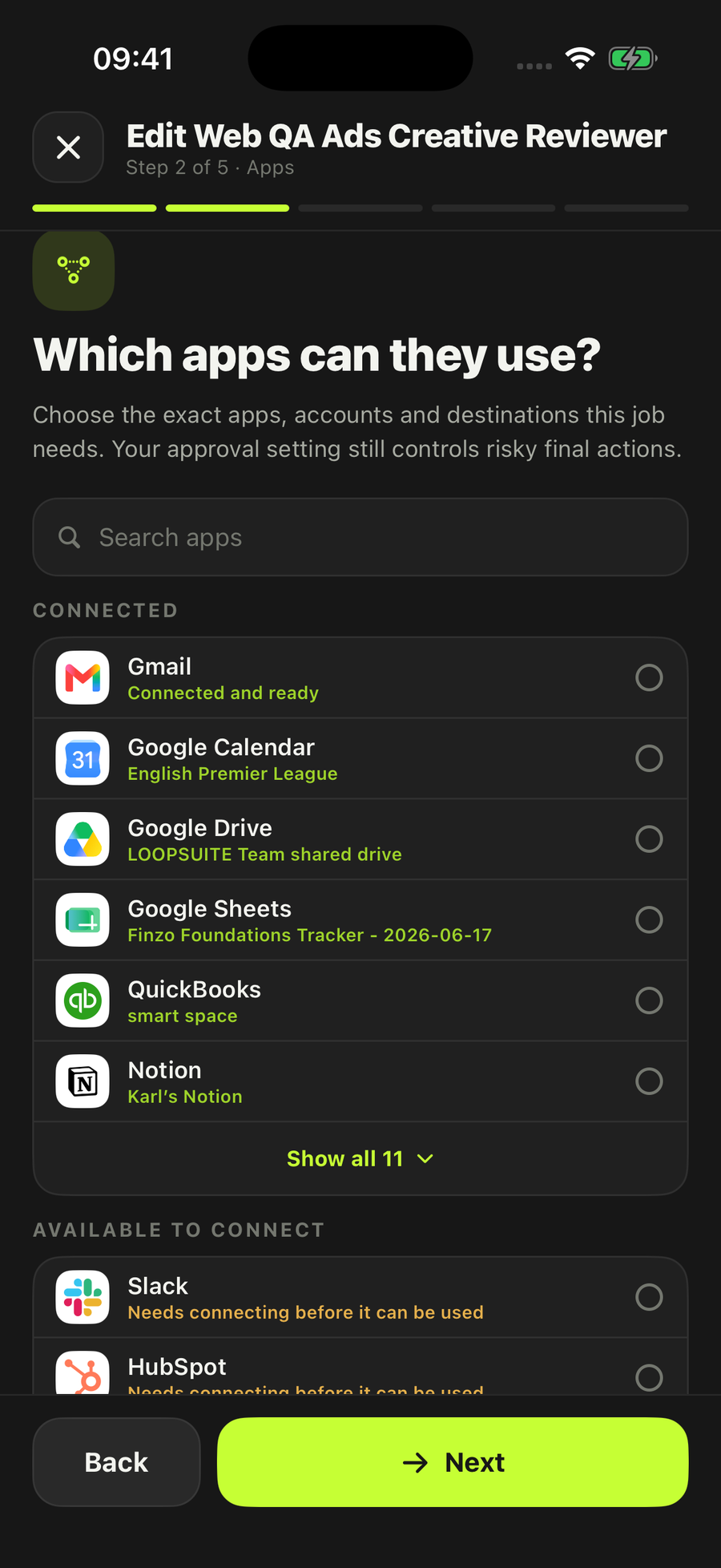
- One lead sourceA Google Sheet, a lead export or a file you assign it. If you have none of those, it uses the open lead records already saved in LoopSuite. HubSpot, Pipedrive and Salesforce are named in the employee, but those connections are not built yet, so they are not routes you can pick today.
- One Gmail mailboxThe follow-up replies inside the conversation you selected, so the thread stays whole. Outlook is not connected to LoopSuite, so it is not a route you can pick.
- Your offer facts, if you have themOptional. Give it what you actually sell and who you turn away, and it stops guessing. Without them it uses only confirmed company facts and the existing conversation.
- A follow-up limitAsked once, when you hire it. Leave it blank and it uses two.
- A scheduleWeekdays at 10am unless you change it. Daily, weekly and manual are the other choices.
Who it’s for
Businesses with genuine open leads and no system for remembering them. It is reviewed for construction and trades, professional services, creative and media, manufacturing and wholesale, transport and logistics, and property.
Three cases stand out in our own research. IT consultancies and advertising agencies run a sales cycle long enough that a lead goes quiet for three weeks and nobody can remember whose turn it was; if the pipeline lives in HubSpot or Pipedrive, the way in today is an export of the open leads into a Sheet it can read. Portrait and wedding photographers have the opposite problem: enquiry season and shooting season are the same months, so the enquiries that arrive when the diary is fullest are the ones least likely to get answered. And builders and specialist trades quoting more work than they win are usually losing it in the gap between the first phone call and the quote ever being written.
If your leads live in a notebook rather than a system, keeping customer records without a CRM project is the place to start.
Questions people ask
How is this different from Quote Follow-up?
Lead Follow-up works the stage before a price exists. It reads open leads from a Sheet, an export, a file you assign it, or the lead records already in LoopSuite. Quote Follow-up works a quote you have already sent, from the quote record itself. They stop on different signals, so pick by where the conversation actually is.
How many follow-ups will it send to one lead?
As many as you set when you hire it, and no more. Leave the answer blank and it uses two. The limit is a hard stop rather than a guideline.
Will it keep messaging someone who has replied or opted out?
No. Before every message it rechecks the person’s identity, the current lead status, the whole conversation, when you last spoke, and whether a reply or an opt-out is sitting there. A reply, an opt-out, a disqualification or the attempt limit each end it.
Do I have to approve every follow-up?
That is your choice, set per employee when you hire it. It arrives on “Ask me each time”. The other settings are drafts only, check and report only, and work on its own within this job — on that last one it can send a routine follow-up it has already proved without asking each time, while anything new, risky, destructive or involving spend still comes to you first.
What does it need connected?
A lead source and a mailbox. The routes that work today are a Google Sheet, a lead export, a file you assign it, or the open lead records already in LoopSuite. HubSpot, Pipedrive and Salesforce are named in the employee, but those connectors are not built, so you cannot select them yet. The follow-up itself goes through one Gmail mailbox you select. Outlook is not connected to LoopSuite, so it is not a route you can pick.
Can I use it for cold outreach or a bought list?
No. It works only on real open leads you already have. Cold bulk outreach and bought lead lists are outside the job it was built for, and it will not do them.
Stop losing leads to a bad memory.
Hire Lead Follow-upStart free — 2 employees and starter capacity included.
Also on iOS and Android.
Every employee starts switched off, and you choose which accounts it can use.