 LoopSuiteDownload App
 Current product direction
LoopSuite now starts with the business.
New customers start with their business: your Manager learns what you do and helps you pick who you need. There is no choice between personal and business modes to make.
See how it works



For existing setups
Saved account context remains part of the account.
Older or existing personal-work setups can continue under their current account and plan rules. This page does not promise a new public personal-mode switch.
For new customers
Start with the jobs the business needs doing.
Tell your Manager about the business or share your website, then pick who you need. Connect an app only when a job needs it.
Questions before you install
Plain answers.
Is LoopSuite just a chatbot?
No. You get a Manager to talk to and staff who each do one job on repeat. They text you when something needs you, and the finished work stays in the same chat.
Do I need business software?
No. Plenty of owners run everything from their phone. Your staff work from what you tell them and the photos you send, and you can connect apps like Gmail or Google Calendar when a job needs them.
Can they send anything without me?
Not unless you say so. “Ask me before sending” is on for everyone, so nothing goes to a customer without your tap. You can let one member of staff do one routine job on its own if you want.
Can I start without connecting an app?
Yes. LoopSuite looks your business up from its name or website and asks only what it could not find, and your staff can get quotes, reminders and posts ready straight away. Connect an app only when a job needs it.
Your team, one text away
Get LoopSuite.
Install the app, type your business name or web address, and LoopSuite gets to know the business while you watch.
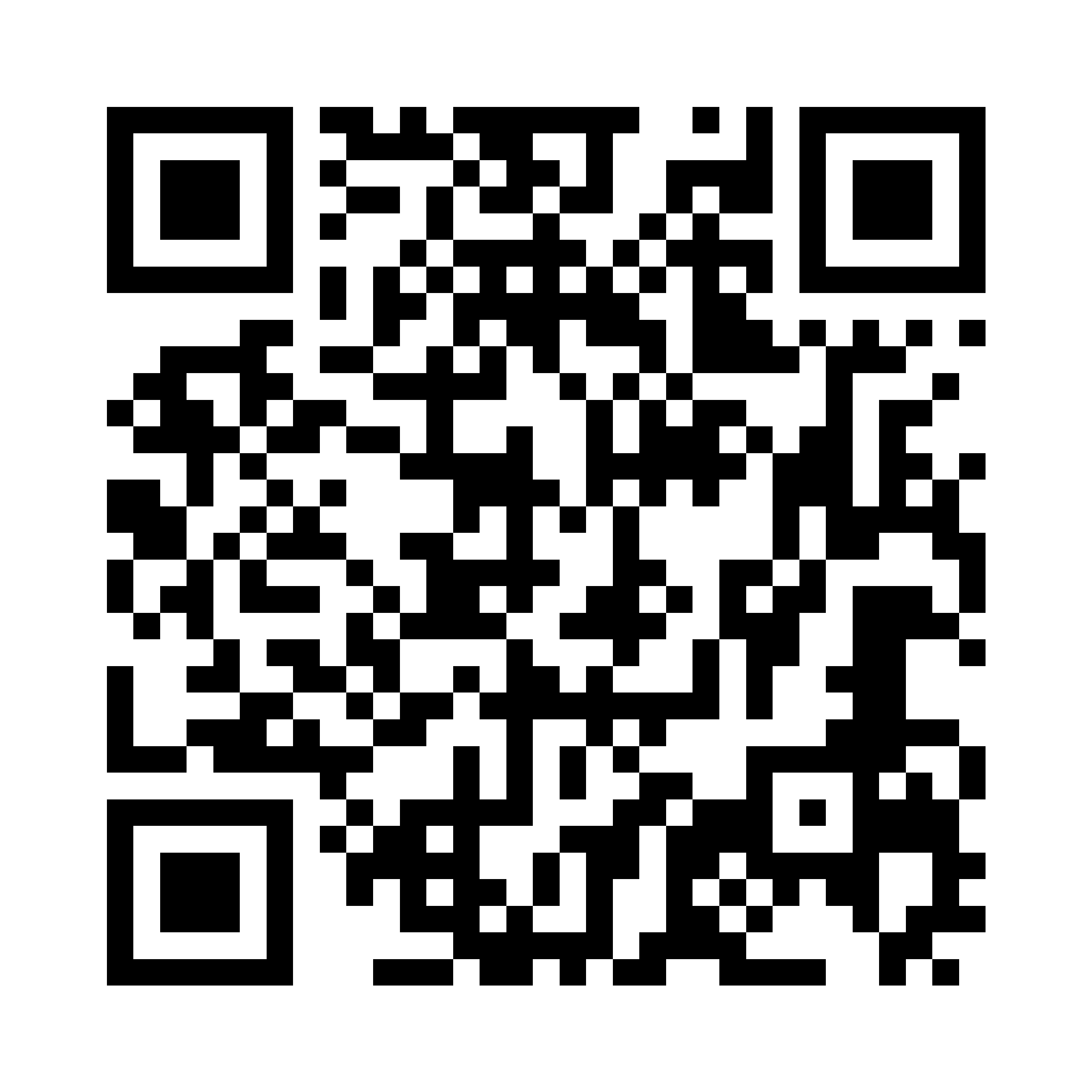 Scan to downloadiPhone or AndroidOpen download linkUse LoopSuite on the web